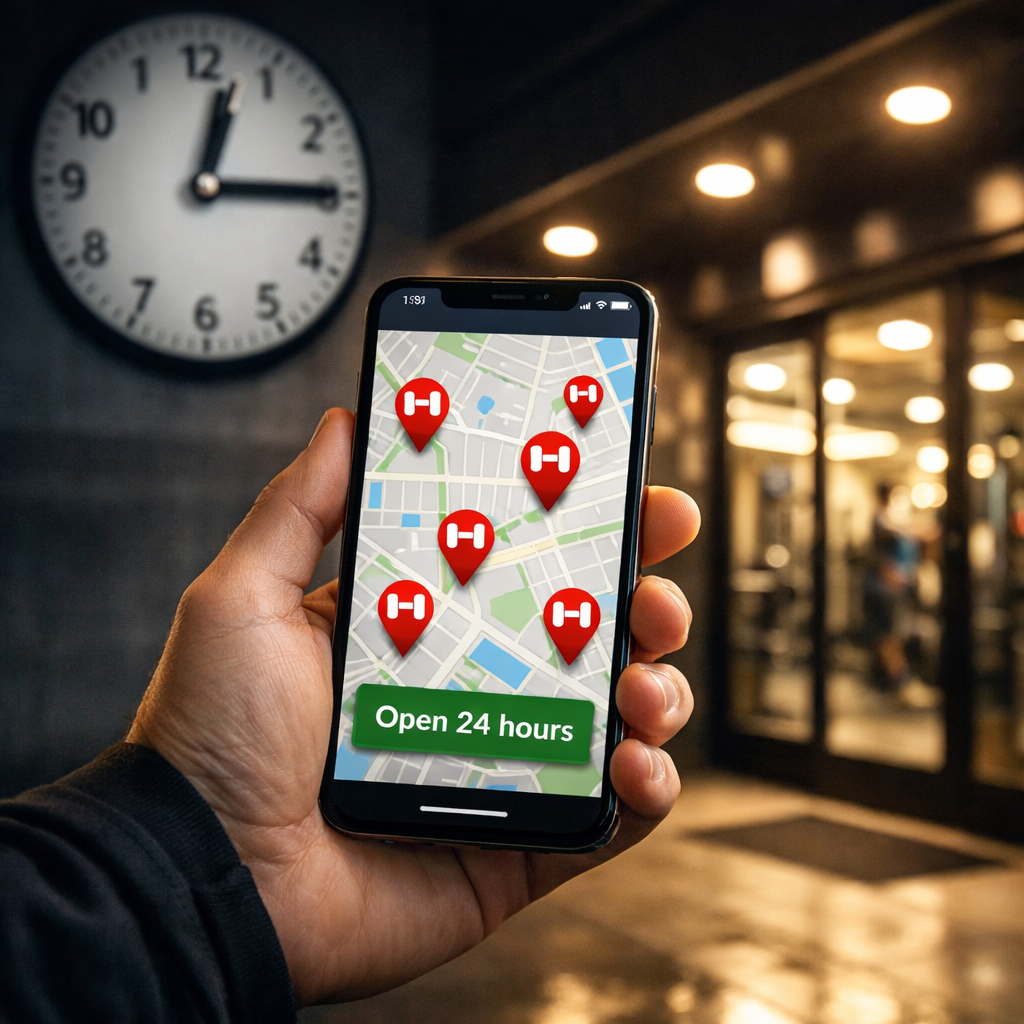
How to Find a 24/7 Fitness Club Near You Fast
If you need a 24/7 gym near you now, here’s the fastest path: run a quick location-based search, filter for true after-hours access, and verify pricing, safety, and amenities at the specific club before you join. In under an hour, you can shortlist three options within five miles, confirm keycard entry and staffed hours, and pick the best fit—especially if you travel and want multi-club access. This guide follows FitnessJudge’s comparison-first approach with location-level validation so you avoid surprises on price, hours, and what’s actually included.
Start with FitnessJudge’s quick finder
Start with a single search that prioritizes nearby 24-hour fitness clubs and exposes verified details. Brand locators and mobile apps do this well, and many surface 24-hour status directly—for example, the 24 Hour Fitness club locator map highlights open hours and amenities by location (source: Find the Nearest 24 Hour Fitness guide). FitnessJudge’s quick finder applies that same comparison-first view across nearby clubs so you see location-level facts up front.
A club locator is a brand’s online map that lists nearby locations based on your city, ZIP, or device location. It typically displays hours, amenities, photos, staffing windows, and contact info. Many locators also flag special access such as 24/7 entry, letting you screen options quickly without visiting each website.
Quick-start micro-flow:
- Use the FitnessJudge quick finder to pinpoint verified 24/7 options by ZIP or live location.
- Open at least one brand/app locator to confirm hours and access (e.g., a chain’s map).
- Capture three candidate clubs within five miles for a side-by-side comparison.
Set your location and filter for 24/7 access
Enable location services or enter your ZIP so results match your exact area. Then apply filters such as “open 24 hours,” “after-hours access,” or “keycard entry.” Major brand apps support these filters; the 24GO app, for instance, uses your phone location to show nearby clubs and classes (source: 24 Hour Fitness/24GO overview). FitnessJudge reflects these filters where brands publish them, making comparison faster.
Access can still vary by plan. Even when a club is 24/7, some tiers restrict after-hours entry or multi-club use, so confirm inclusions at the specific location (same source as above).
Shortlist template (fill as you go):
| Club | Distance | 24/7 Status | Staffed Hours | Access Method (Keycard/App) | Initial Price Noted |
|---|---|---|---|---|---|
| Candidate 1 | |||||
| Candidate 2 | |||||
| Candidate 3 |
Cross-check hours, travel time, and real reviews on maps
Validate the basics in minutes. Pull each candidate up in Google or Apple Maps for drive time, live traffic, updated photos, and reviews. Prioritize proximity to home or work and ensure hours align with your routine (see guidance on commute and convenience in choosing the right club).
What to scan in 90 seconds:
- Posted hours vs. what the locator showed
- Recent photos (equipment condition, cleanliness)
- Star rating trend (look for recent consistency)
- Busiest times (if shown) to avoid equipment waits
Verify access method and staffed hours by location
After-hours access allows members to enter a gym outside staffed times using a keycard, fob, or mobile app. These facilities rely on automated doors, surveillance cameras, and remote monitoring to maintain security. Policies can vary by club and by membership tier, so verify the exact rules at your chosen location before you enroll.
Most 24/7 gyms use keycard systems, automation, and remote monitoring overnight; many also provide emergency support during unstaffed hours (source: guide to 24-hour gyms with security practices).
Make one quick call or email with these three asks:
- “What are your exact staffed hours Monday–Sunday, and do they differ on holidays?”
- “How do I enter after hours (keytag, fob, or app), and is there any tier requirement?”
- “What’s the guest policy during unstaffed windows (permitted, fee, or restricted)?”
Confirm pricing, fees, and what your membership actually includes
Most 24-hour locations require a membership for entry, and access varies by plan and club—confirm what’s included at your specific location (source: 24 Hour Fitness/24GO overview).
Use this fee breakdown to get a line-item quote:
| Fee/Term | Amount | Notes |
|---|---|---|
| Join/Enrollment Fee | ||
| First-Month Prorate | Based on start date | |
| Monthly Dues | Tier and location-specific | |
| Annual/Facility Fee | Billed month/amount | |
| Keycard/App Activation | One-time or included | |
| Guest Pass Costs | Per-visit/limits | |
| Cancellation Terms | Notice window/penalties |
Tip:
- If you can’t find details online, contact member services for a written breakdown (see 24 Hour Fitness locator guide for how brands surface these details).
Check safety, parking, and late-night logistics
Overnight workouts should feel safe door-to-door. Look for surveillance coverage, emergency alert systems, and well-lit parking; many 24/7 clubs provide emergency options during unstaffed hours (security practices outlined in 24-hour gym guides). Don’t ignore convenience—parking availability and transit access matter for consistency (see guidance on convenience and commute fit).
Mini-checklist:
- Lighting from car to door (and back)
- Visible cameras inside and outside
- Emergency buttons or panic pendants
- Posted after-hours hotline or help station
- Indoor/outdoor camera coverage at entrances
Validate equipment and must-have amenities for your workouts
Most 24-hour fitness clubs offer cardio machines, strength zones, locker rooms, showers, and stretching areas. Still, verify your must-haves like squat racks, flat/incline benches, cable stations, and recovery tools (foam rollers, bands) are available during unstaffed hours (source: 24-hour gym amenities overview). Some higher-tier locations—e.g., “Super Sport” clubs in certain chains—add pools, saunas, or courts, but availability varies by location and membership (noted in brand locator overviews).
Create a quick gear-fit matrix:
| Your Top Exercise | Equipment Needed | Club 1 | Club 2 | Club 3 |
|---|---|---|---|---|
| Back squat | Rack + plates + safety bars | |||
| Bench press | Bench + bar + spotter arms | |||
| Cable rows | Dual-adjustable pulley | |||
| HIIT intervals | Treadmill/rower/bike | |||
| Mobility | Mats + recovery tools |
Use apps to see crowd levels, class schedules, and digital check-ins
Pair your brand locator and FitnessJudge with a few focused apps to plan smarter—surfacing class schedules, logging workouts, and sometimes showing busyness so you pick the right time to train (see factors to consider when finding a gym). Digital tools also boost consistency with reminders and progress tracking; Strava’s Beacon feature can even share your live location for safety during solo sessions (source: Zapier’s best fitness apps roundup).
Reliable picks:
- FitOn for free on‑demand classes across devices (see PCMag’s best workout apps list).
- Strava for outdoor routes, community, and optional Beacon safety sharing (Zapier roundup).
- Zapier automations to log workouts across apps and keep habits visible (same source).
Do a rapid site visit during your preferred workout time
A 15–20 minute in-person check during your actual window reveals what listings can’t. Visit during peak or preferred hours to gauge crowding, equipment availability, and staff responsiveness (see choosing the right club guidance).
Seven things to test fast:
- Parking and pathway lighting
- Door entry (keycard/app) responsiveness
- Locker room and shower cleanliness
- Rack/bench availability and rotation etiquette
- Cardio wait times at your pace
- Visibility and location of emergency buttons
- Exit path lighting and exterior visibility
If possible, test your temporary key/app once to confirm smooth after-hours entry.
Decide fast with FitnessJudge’s 24/7 gym checklist
Use this one-page compare to decide in under 10 minutes. Score each line item green/yellow/red and tally.
| Criteria | Club 1 | Club 2 | Club 3 |
|---|---|---|---|
| 24/7 access confirmed at location | |||
| Access method (keycard/app) works reliably | |||
| Staffed hours match your needs | |||
| Safety features (cameras, alarms, lighting) | |||
| Equipment/amenities fit (pools/sauna if needed) | |||
| Proximity/parking/transit convenience | |||
| Membership and guest rules are clear | |||
| Total monthly cost (with fees) is transparent | |||
| App tools (classes, busyness, check‑ins) |
Consider adding a printable/downloadable version to share and save. For verified, location-level details and transparent pricing comparisons, start with the FitnessJudge quick finder.
National chains versus local and community options
Interoperable access means your membership works at multiple locations within a brand or partner network. It can include 24/7 entry across clubs, shared class access, and reciprocal benefits. Always confirm which locations participate, what tier is required, and any blackout restrictions before enrolling. FitnessJudge helps you compare those rules side by side before you commit.
Some networks market expansive multi‑club coverage—for example, the Fitness Your Way network advertises access to 13,000+ gyms nationwide with digital classes under one membership, with plans starting as low as $19/month (source: Fitness Your Way network). Local and boutique studios may trade breadth for community and specialization (yoga, Pilates, small‑group coaching) and can be a better fit for class‑first goals (see choosing the right club guidance).
If you travel, prioritize interoperable multi-club access
Frequent travelers should pick brands with many locations and interoperable access across cities. Aggregator memberships list participating clubs, tiers, and pricing in one place, reducing guesswork on the road (source: Fitness Your Way network). Use FitnessJudge to spot 24/7 options near your hotel and verify entry methods in advance.
Traveler’s mini-checklist:
- Airport-to-hotel distance and commute time to the gym
- 24/7 entry verification and access method at destination
- Guest pass rules and fees for companions
- Does your keycard/app work out of town without reactivation?
Top traveler picks template:
| Brand/Network | Approx. Location Count | Late-Night Entry Method | Blackout/Caveats |
|---|---|---|---|
| Option A | Keycard/App | ||
| Option B | Keycard | ||
| Option C | App |
Frequently asked questions
How do I find 24/7 gyms near me in minutes?
Enable location and search in FitnessJudge’s quick finder and brand locators to filter for 24/7 gyms. Cross‑check in Google Maps and call to confirm after‑hours access and guest rules.
What does true 24/7 access mean and how do I get in after hours?
True 24/7 means entry any time, often via keycard or app when staff isn’t present. Use the FitnessJudge checklist and ask about staffed hours, access tech, and any tier restrictions.
How can I avoid hidden fees when joining a 24/7 gym?
Request a line‑item quote (using the FitnessJudge fee breakdown) covering join fee, monthly dues, annual/facility fees, keycard/app activation, and cancellation terms. Confirm it includes 24/7 access at your exact location and any guest pass costs.
What safety features should I look for at an unstaffed gym?
Look for visible cameras, well‑lit parking, emergency alert buttons, and posted after‑hours support. Use the FitnessJudge safety mini‑checklist to confirm where and how to get help overnight.
How do I confirm if my membership works at multiple locations?
Ask for written confirmation of multi‑club access, including tiers, blackout times, and excluded locations. Use FitnessJudge to compare rules and test your keycard/app at a second club early to ensure it works as promised.
Resources cited: 24 Hour Fitness locator and 24GO app overview; choosing the right club; 24‑hour gym security practices; factors to consider when finding a gym; benefits of 24/7 access for busy professionals; Zapier’s apps roundup; PCMag’s workout apps; Fitness Your Way network.